What is a "cluster"?
The honest difference: real clustering vs. a pile of cards
Both options below can technically hold a huge model in memory. They are not the same thing.
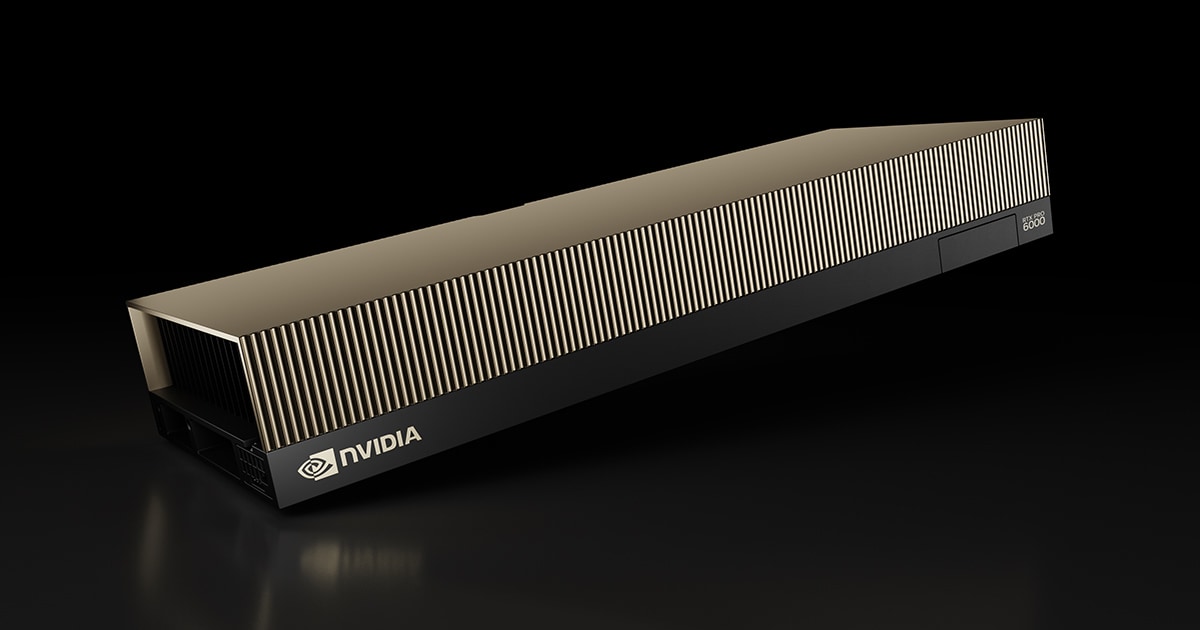
🗄️ A pile of desktop-class cards
Example: NVIDIA RTX PRO 6000 Blackwell Server Edition, bought in bulk and networked with standard PCIe/Ethernet.
These cards were never designed to work as a team. Each one is its own island; data has to hop between them over a relatively slow connection. It's the cheapest way to reach a big memory number, but it's slower and less reliable under heavy, sustained load.
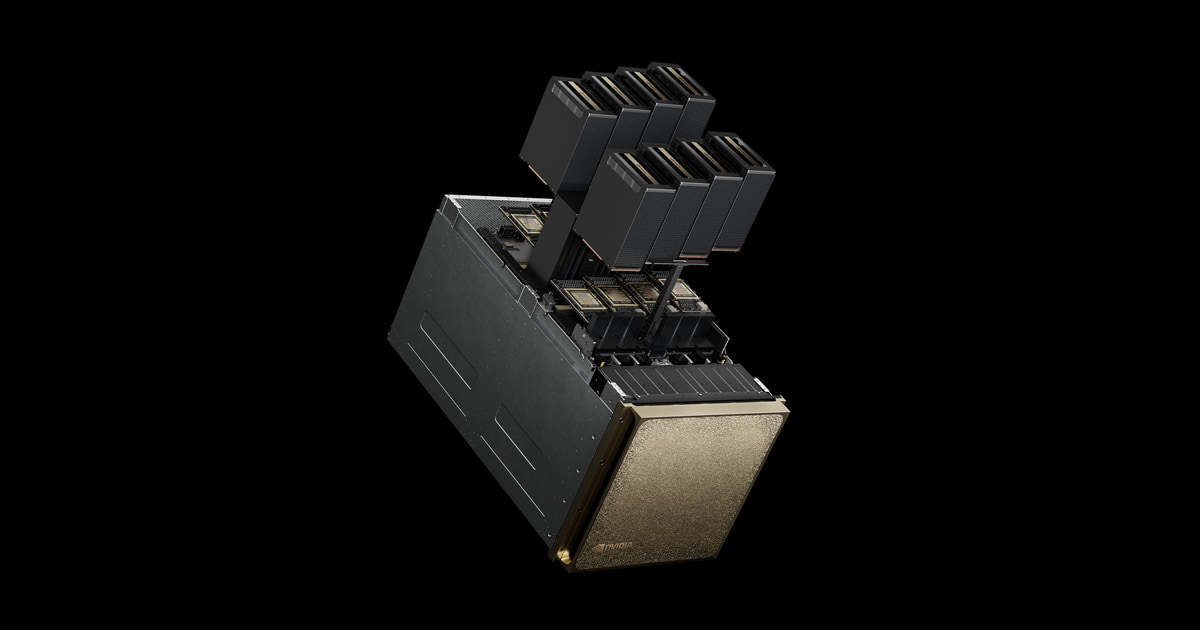
🖧 Real datacenter clustering
Example: NVIDIA DGX B200 — 8 GPUs wired together with NVLink + NVSwitch inside one chassis.
NVIDIA engineered these GPUs to share memory and coordinate at very high speed, as if they were one giant chip. This is what "real" AI infrastructure looks like — and it's why it costs more per gigabyte than a pile of desktop cards.
Scaling up further: the full rack
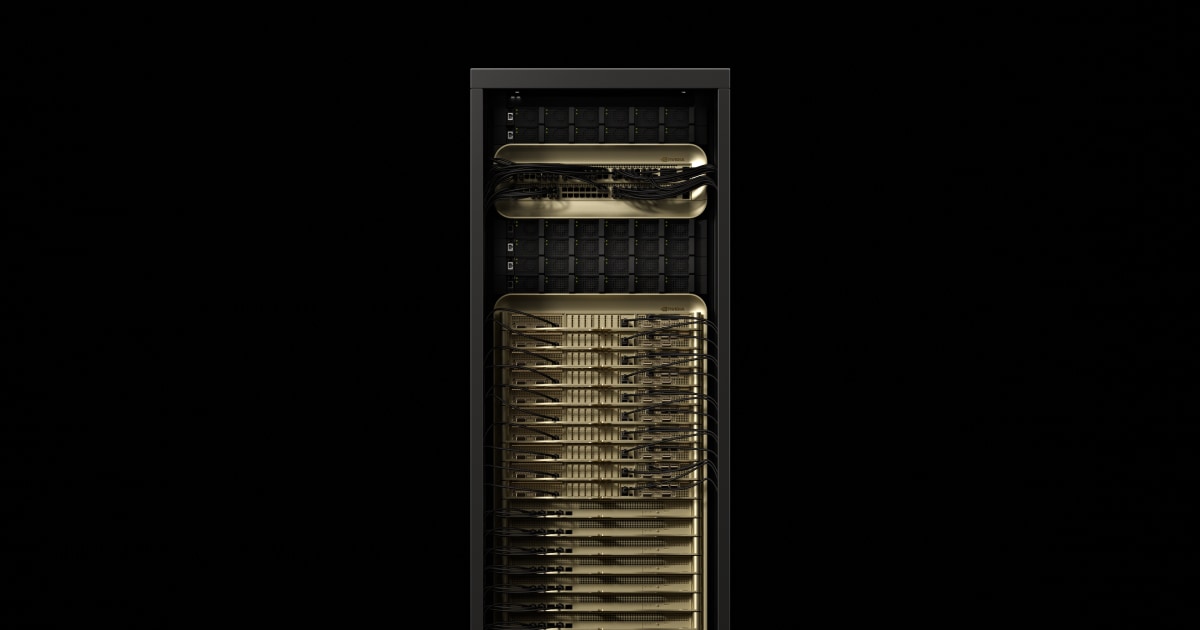
NVIDIA GB300 NVL72 takes real clustering to its extreme: 72 GPUs, all wired together with an NVLink switch fabric, pooling 20,000 GB of memory into what behaves like one enormous machine.
When combining machines into a cluster, what changes?
| Memory | Adds up — a cluster's total memory is the sum of every machine's memory, so bigger models fit. |
|---|---|
| Power | Adds up too — every machine you add, you pay for in watts as well as dollars. |
| Price | Adds up (plus, for real integrated systems, a premium for the engineering that lets them act as one). |
| Speed | Does not simply add up — how fast a cluster works as a team depends entirely on how well the machines are wired together. This is the one number a pile of desktop cards can't buy its way around. |